The Christmas season is a time of joy and celebration, but for many families it can also be a time of stress and chaos. If you’re looking for a way to make your holiday season easier, then I have the perfect solution for you: an easy-to-use Christmas planner!
You can choose between two versions of the Christmas planner. For starters, you can grab a pared-down free Christmas planner for those who just need a little bit of help tracking to do lists and holiday party plans (available at the end of the post). But if you want to keep track of everything, and stay organized for next year, you’ll love the premium planner.
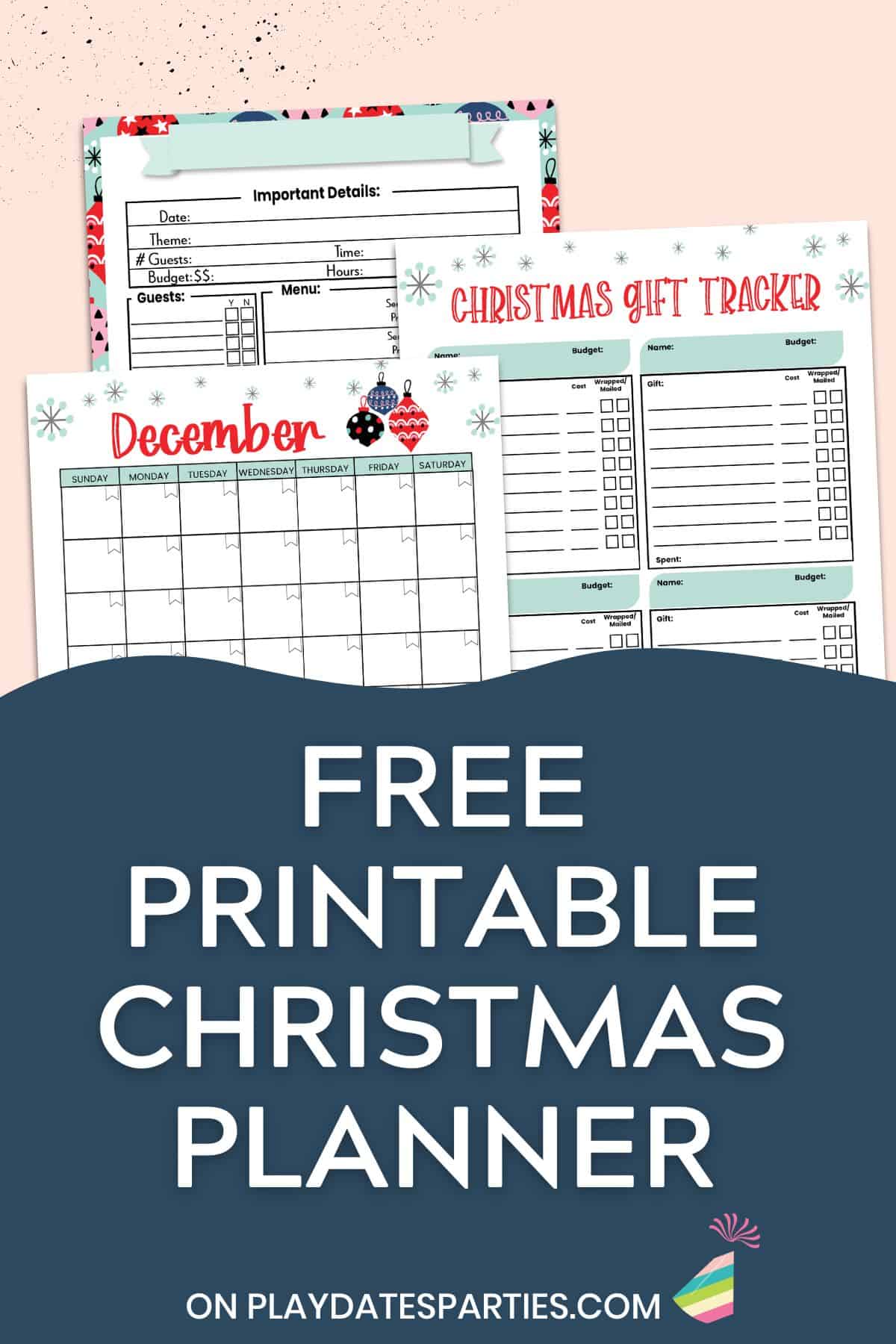
Why should you use a Christmas planner?
For one thing, it can help you stay organized and on top of all your holiday tasks. Whether you have a long list of parties and events to attend, or just need a way to keep track of gifts and obligations, a planner will help you stay on track so nothing falls through the cracks.
But perhaps even more importantly, a Christmas planner can help you enjoy the season and savor all those moments with loved ones. Instead of feeling overwhelmed by all the things you need to do, you can
- Get focused on what is really important to you this holiday season,
- Organize your holiday decorations so you can save time decorating next year, and
- Help you follow through on actually sending those thank you cards to grandma and grandpa. (You know they’ll love it.)
Three Ways to Use Your Planner
Believe it or not, you can use this same PDF file in three different ways…making it truly the perfect tool for today’s busy families.
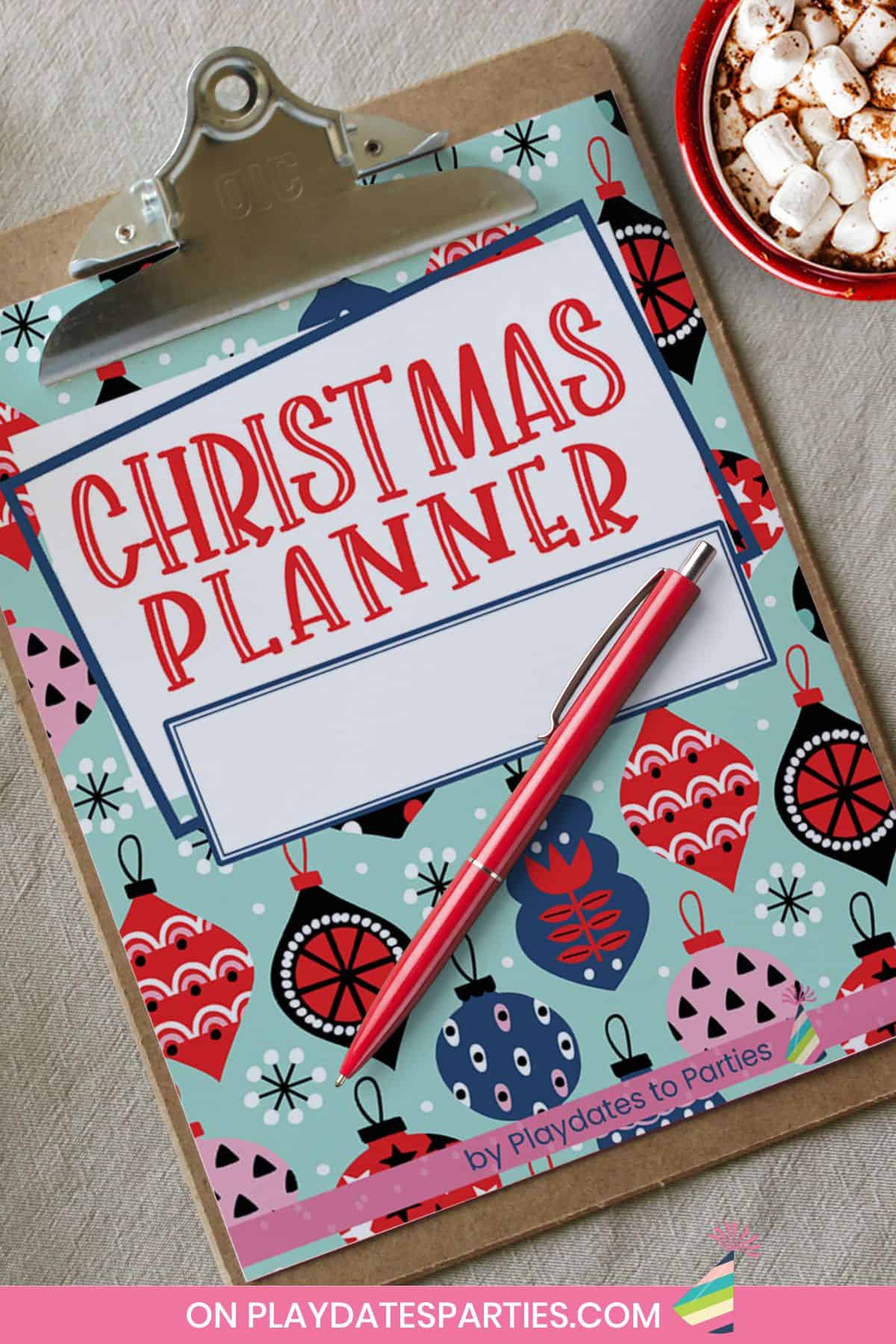
Print it Out
Most of my readers choose to print out their planner and use it as a hard copy. This means you can write in dates, appointments, schedules, and other important information by hand.
Simply print it out on your home printer, snap it into a binder, and add some dividers. Don’t forget to use the color coordinated tabs to label each section, and slip the label into the binder spines.
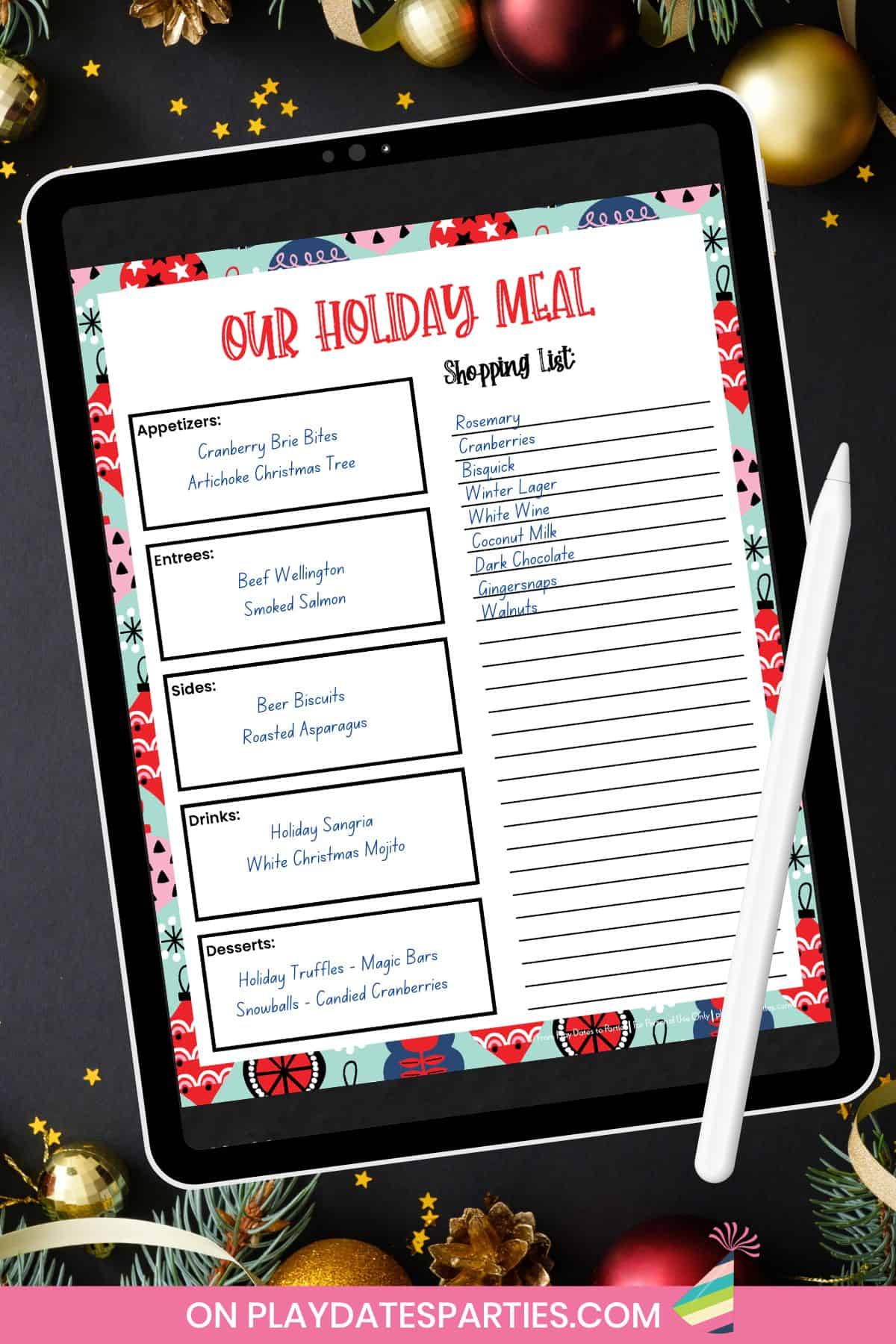
Use the Planner Digitally:
Do you:
- Want to be organized, but don’t want to spend all your money on printer paper and ink.
- Get inspired at odd moments (like waiting for school pickup), but then completely forget what you were thinking of when you get back to your paper planner, or
- Forget your paper planner at home and then buy everything you don’t need when you’re at the store? 🙋♀️
Yeah, if that’s the case, you’ll definitely want to check out these two digital options:
Upload it to iPad and Goodnotes
Hands down my favorite way to use planners is to upload them the files to my iPad and Goodnotes.
For those that aren’t familiar with it, Goodnotes is a digital note-taking app that makes it easy to add your own notes and information right on the PDF file. I have the app on all my devices- iPad, iPhone, and MacBook. The notes sync almost automatically, which means I can literally access my planner anywhere and anytime.
Upload and Edit your planner in Adobe Reader
If you don’t have apple products, or don’t want to spend the money on the Goodnotes app, you can upload the file into Adobe Reader (it’s free!). The PDF includes over 1,200 fillable fields, which means that almost every place you would be writing your plans in by hand, you can type it in on your phone, computer, or other device.
See? With so many options and easy ways to use these planners, there’s no reason to feel overwhelmed this holiday season.
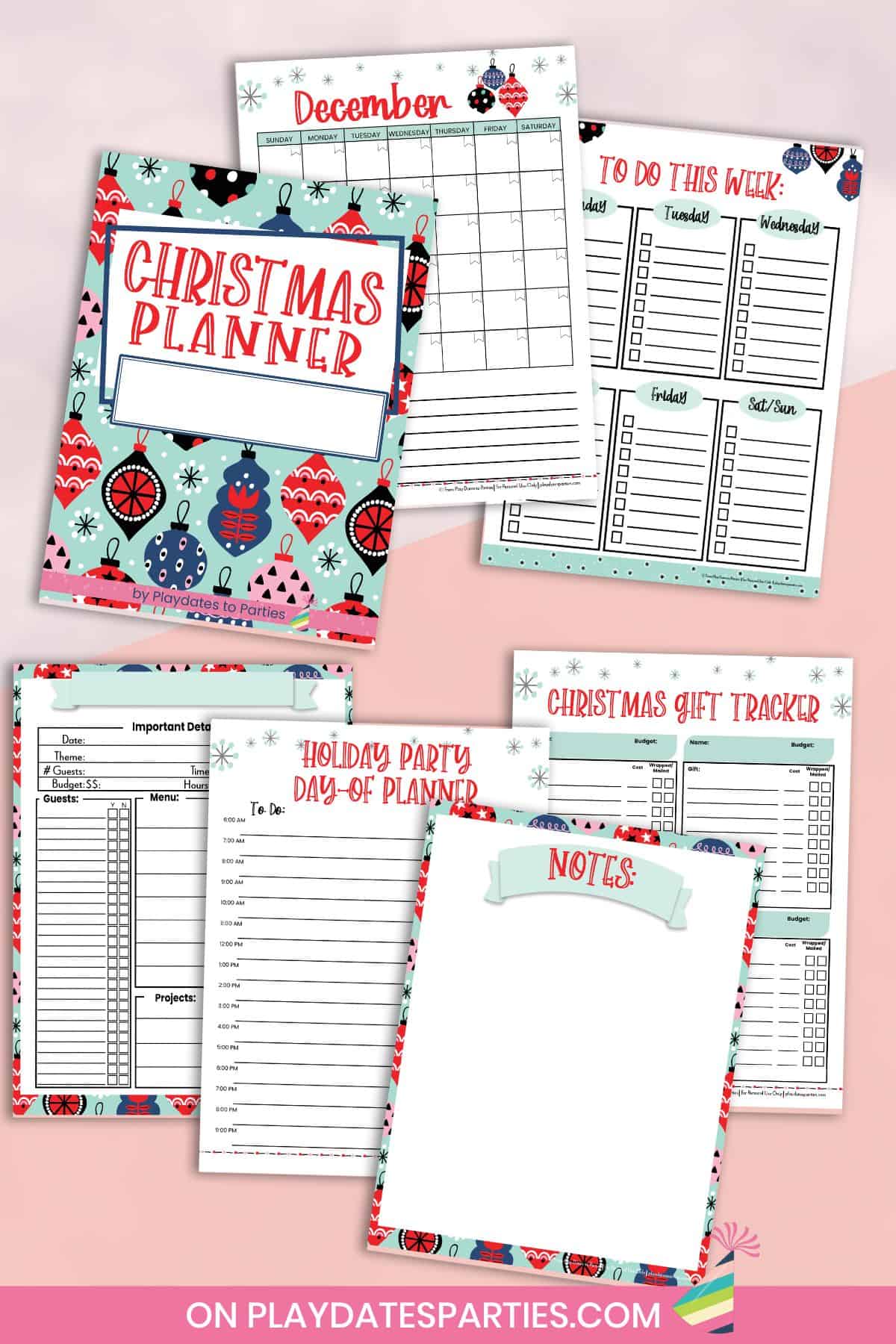
Free Christmas Planner
So, you may be wondering what the difference is between the two planners. Let’s start off with what’s included in the free planner:
December Calendar and To Do Lists:
It’s always helpful to have a monthly calendar so you can see the most important appointments and dates all in one spot. I’ve also left the calendar undated, which means you can use it year after year.
To keep you truly on task, I’ve also included a weekly to do list, with sections for each day of the week. That way you can write down your daily tasks, and check them off as they’re completed.
Christmas Gift Tracker:
Of course, a holidays planner wouldn’t be complete without a Christmas gift tracker! On this page, you can track:
- Who you’re buying for
- What gifts you plan to buy
- Your gift budget
- How much you’ve spent, and
- If the gifts have been wrapped and mailed.
Christmas Party Planner:
Planning a holiday party or get-together? With the party planning snapshot page and Day of planner you can track all the details in one place. You can record the location, guest list, food and drink menus, decorations, and other details.
There’s also a notes page so you can jot down things like design sketches, party themes, and anything else you might need to remember.
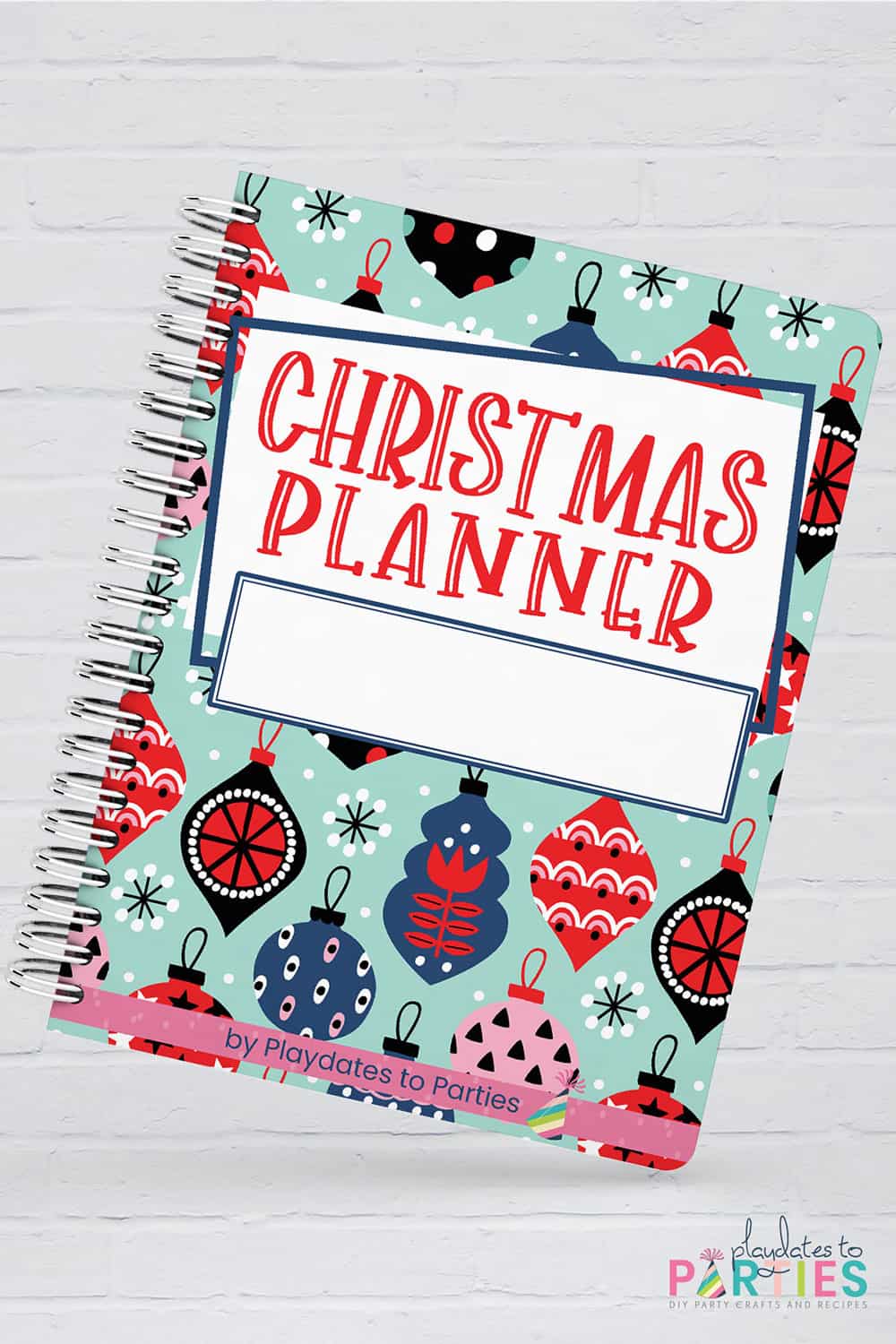
Grab Your Christmas Planner Here
From figuring out your holiday goals and intentions to organizing all of the details, a good planner can help you stay on track and keep your holiday preparations organized and manageable. Whether you are looking for a simple Christmas planner or one with more features and extras, this is a simple way to help make your holiday season a success.
Feel free to download our free Christmas planner at the bottom of this post. Simply add your name and email address to the box below, and I’ll send it right to you.
No matter how you choose to organize your holiday season, don’t forget that the most important thing you can do is to be present with your family and friends. So take a deep breath, relax, and have a wonderful holiday season.





ShootingStarsMag says
Oh, this is so handy. Thanks for sharing! I definitely keep lists of gifts!
-Lauren